Providence
2023
Product Design (UX/UI), Front-end Development
Collaborators: 4-person interdisciplinary team (design + development)
Using: Figma, JavaScript, A-Frame, WebAR (8th Wall)
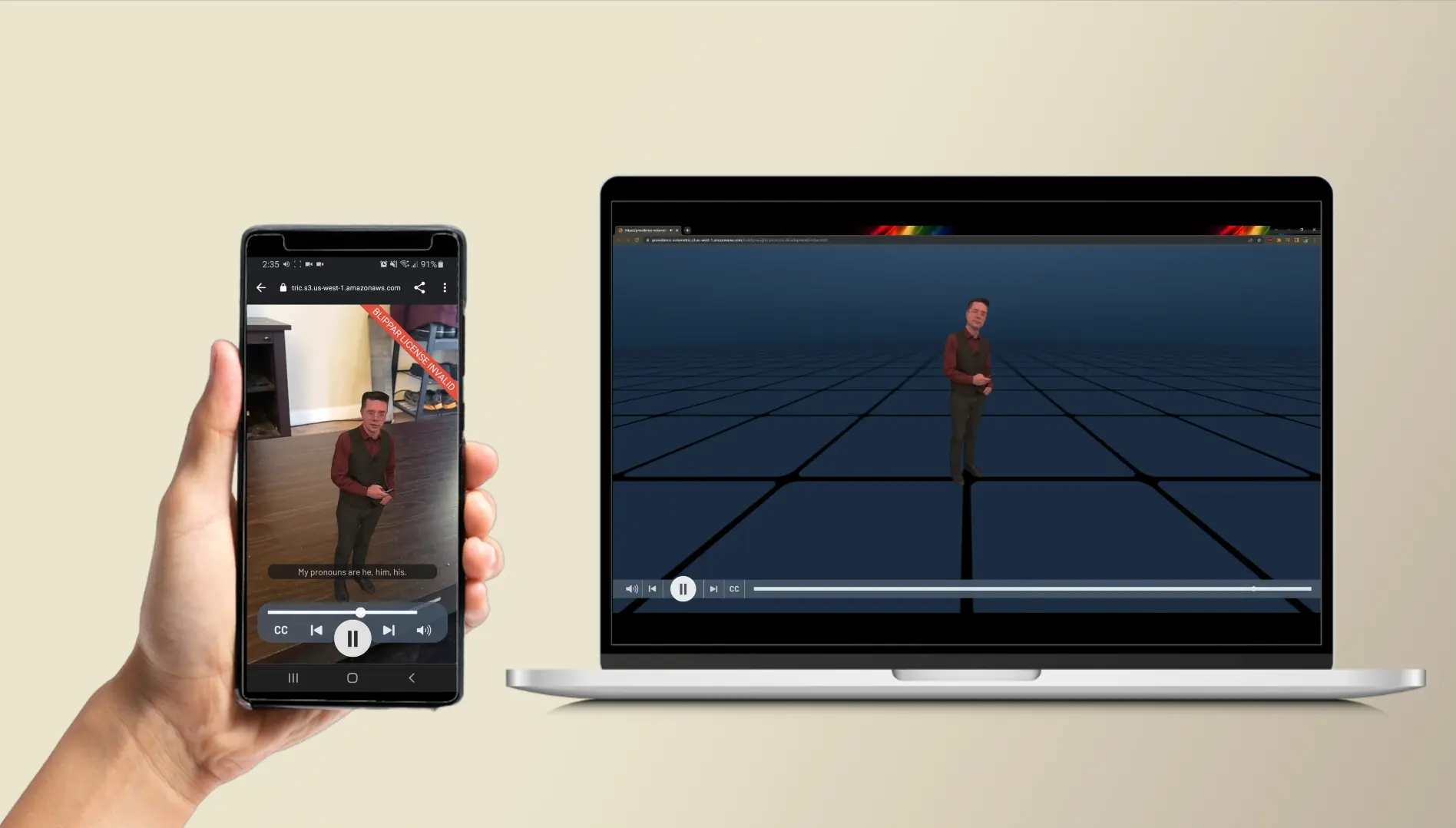
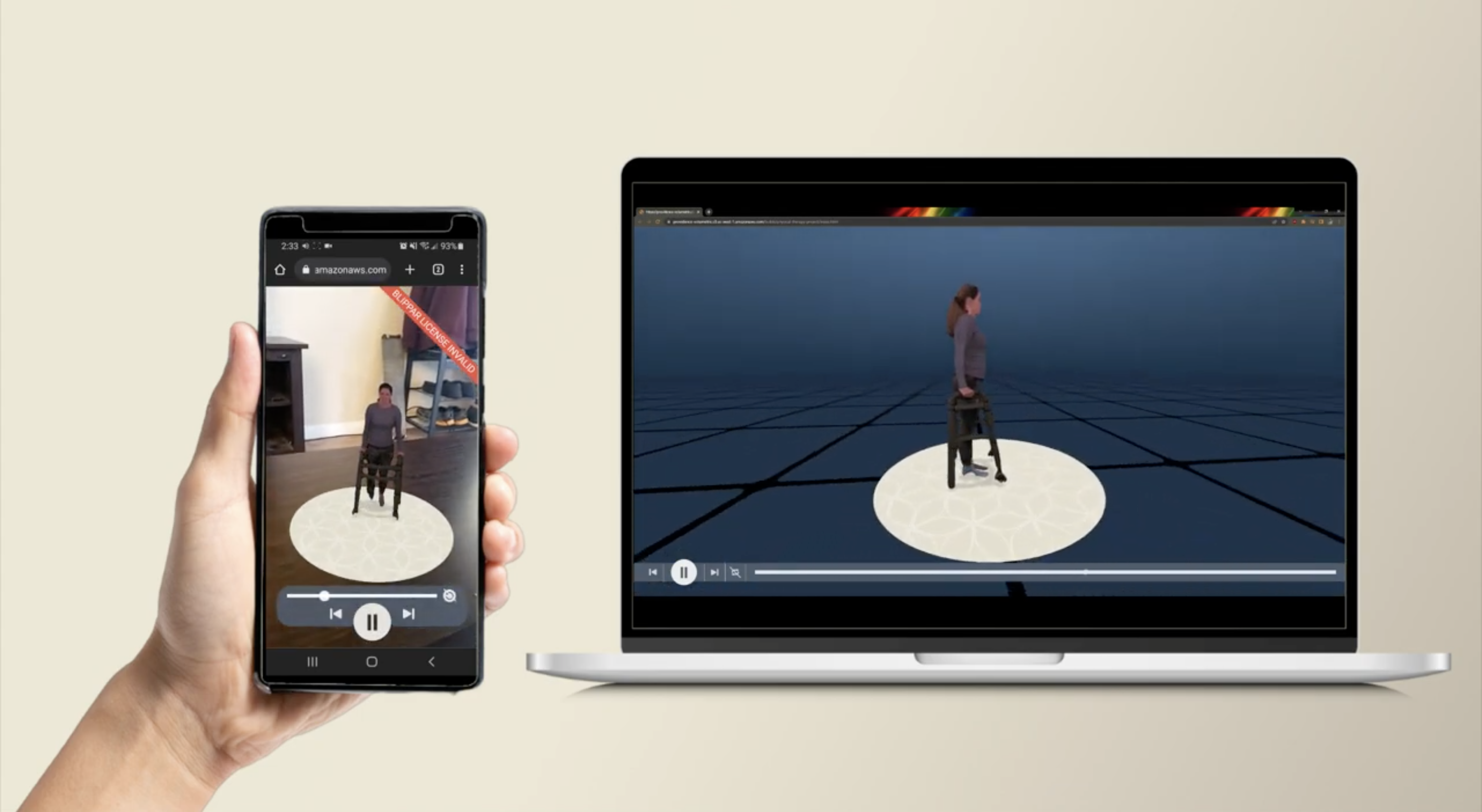
About
Over five months, I worked on a small interdisciplinary team to design and build a web-based AR application for Providence Health, part of a broader Intel- and Evercoast-supported initiative exploring how volumetric video and AR could improve remote training and patient education. We built an early-stage prototype to test whether AR interactions could make physical therapy exercises and training scenarios easier to understand, more engaging, and accessible across devices.
Problem & Context
Providence relied on static content and standard video for training and patient education —
formats that made it hard for users to understand spatial movement or retain what they learned.
COVID-19 made this urgent: Providence needed training that worked remotely, scaled across
hospitals, and actually improved retention.
AR and volumetric video introduced new problems of their own: users had never interacted with
content placed in physical space before, interfaces needed to work with or without AR, and every
interaction pattern had to feel intuitive despite being unfamiliar.
My Role
- • Led UX/UI design: wireframes, interaction design, high-fidelity prototypes
- • Designed a reusable component system aligned with Providence's brand guidelines
- • Paired with developers to implement interactive features, translating visual assets into a modular UI system
- • Designed interaction patterns (buttons, hover states, loading animations) for usability and feedback
- • Built key components, including custom video controls and responsive behaviors for AR content
Constraints
- • Designing for WebAR, an emerging interaction model with few established UX patterns
- • Technical limits on rendering, scaling, and performance of volumetric video
- • Supporting both AR-enabled and standard device experiences
- • Meeting enterprise-level brand and accessibility standards within a prototype's scope
Design Decisions
- Simplifying AR for first-time users
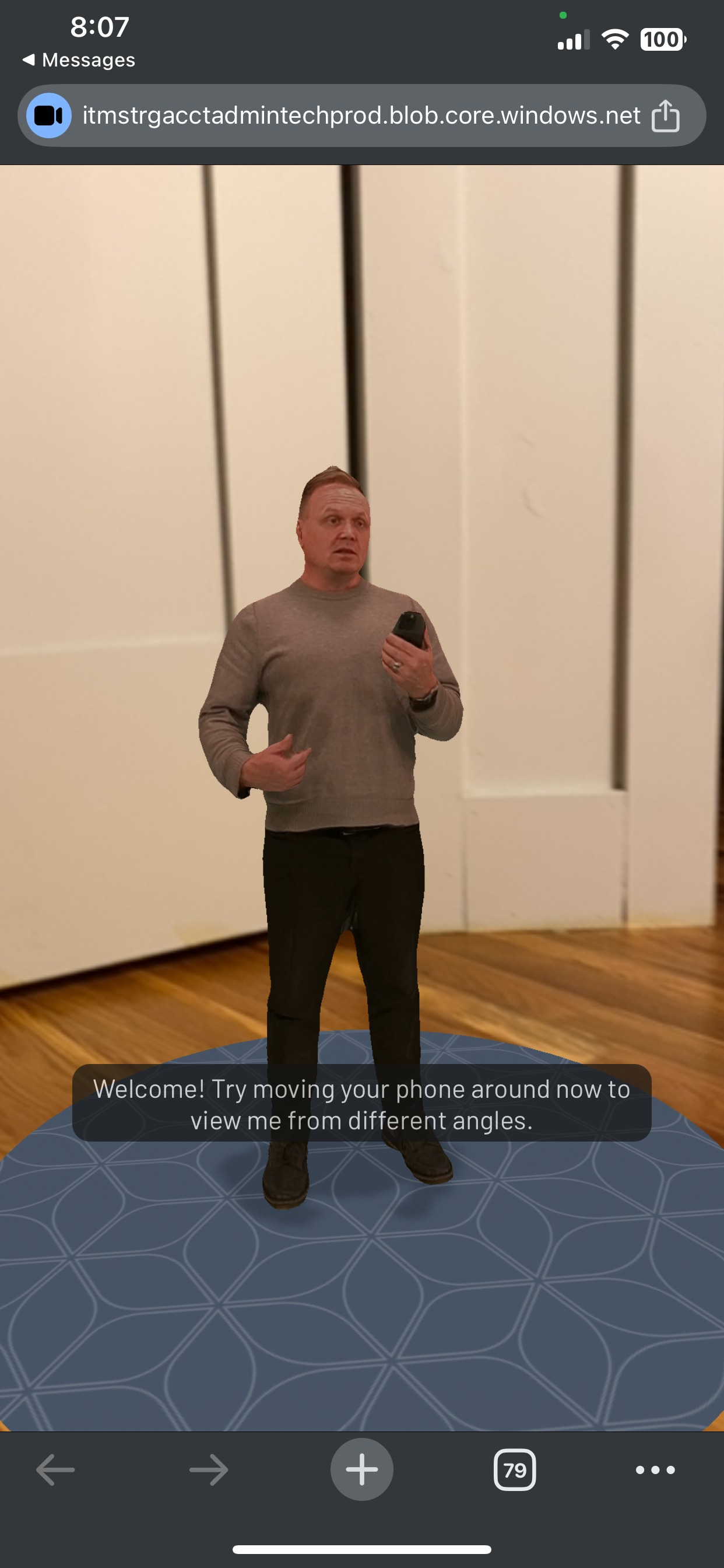
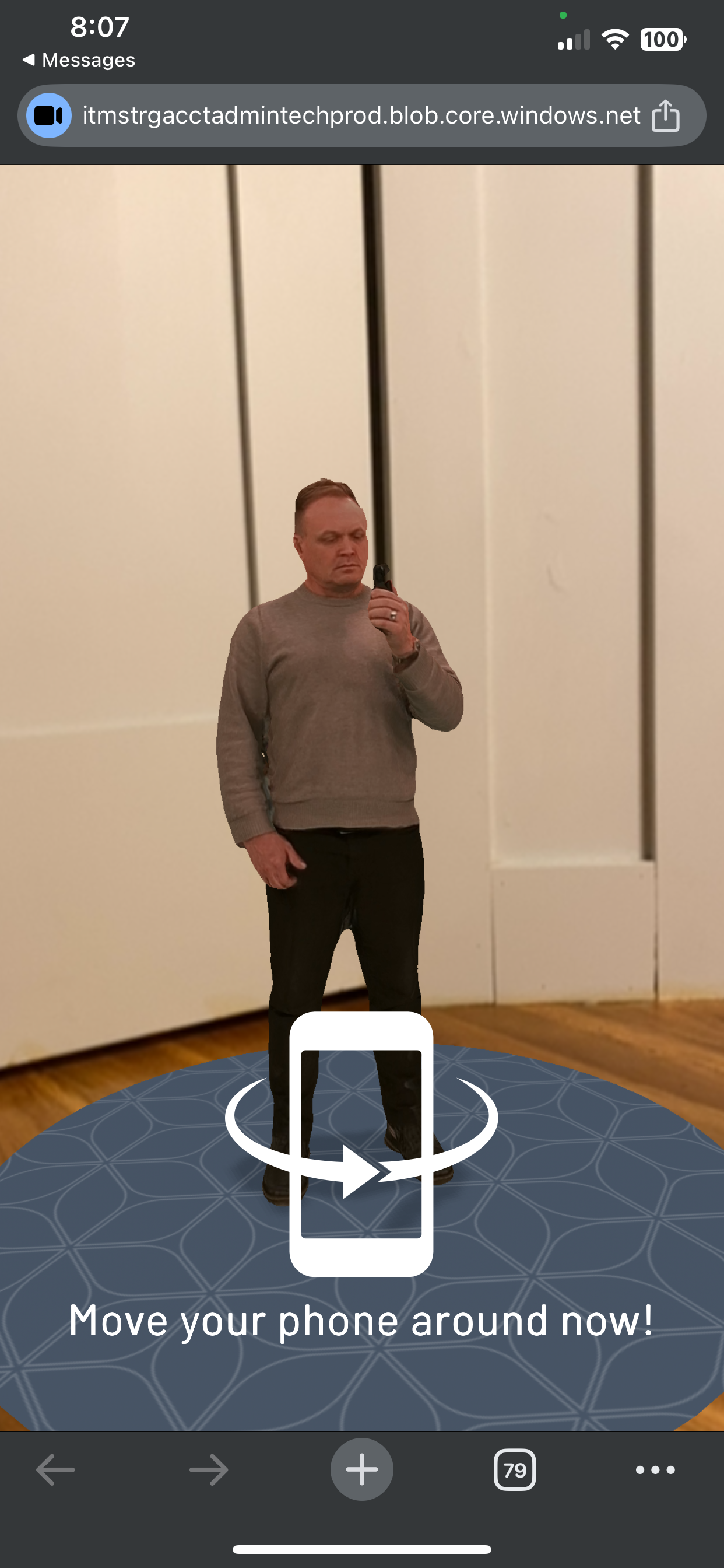
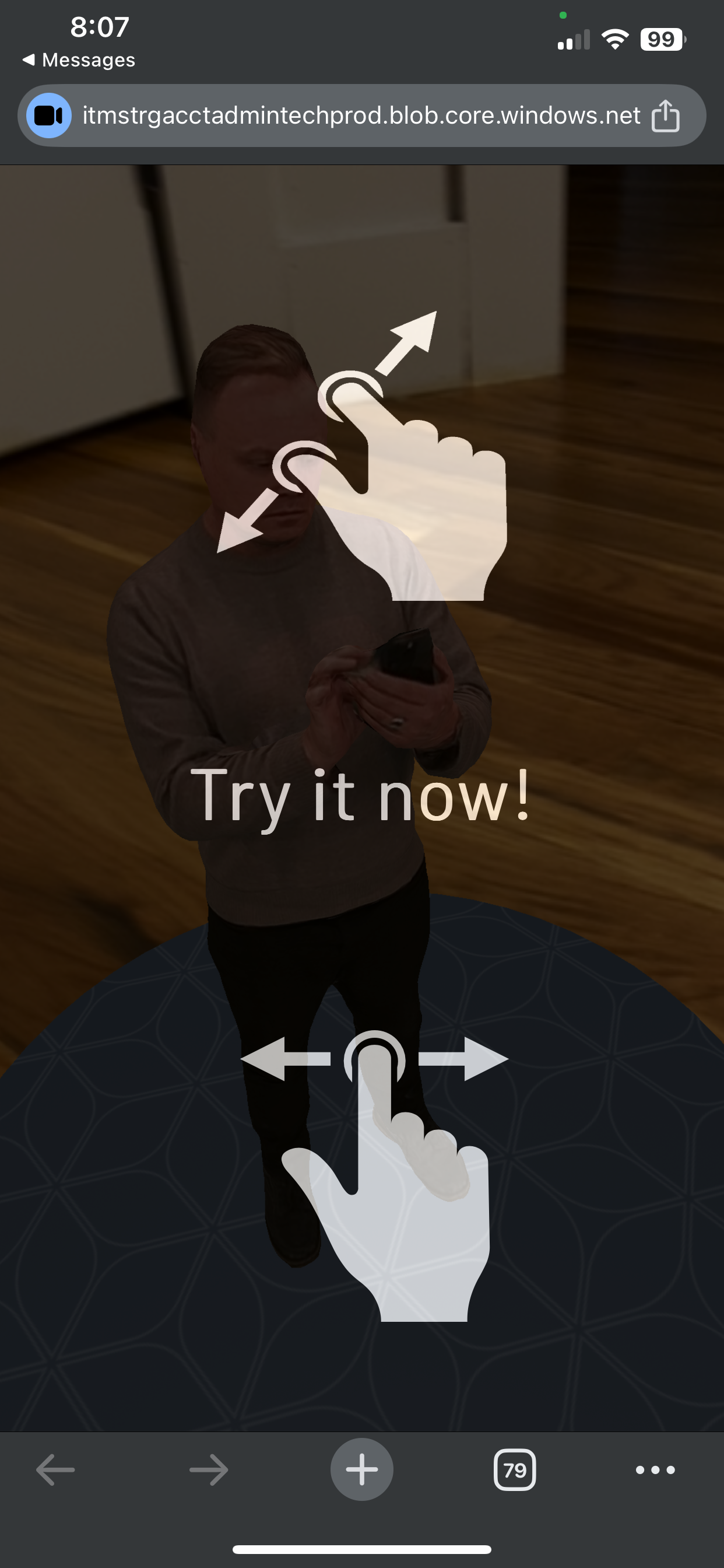
- Placing content in physical space was an unfamiliar interaction for nearly everyone. We added brief, contextual onboarding with visual cues (pinch, rotate) rather than a full tutorial — enough to teach the gesture without interrupting the experience.
- Usability beyond AR
- Not everyone would access this in AR, so we designed interactions that held up in standard web and mobile contexts too — translating spatial patterns into non-spatial ones without losing clarity.
- Video controls in 3D space
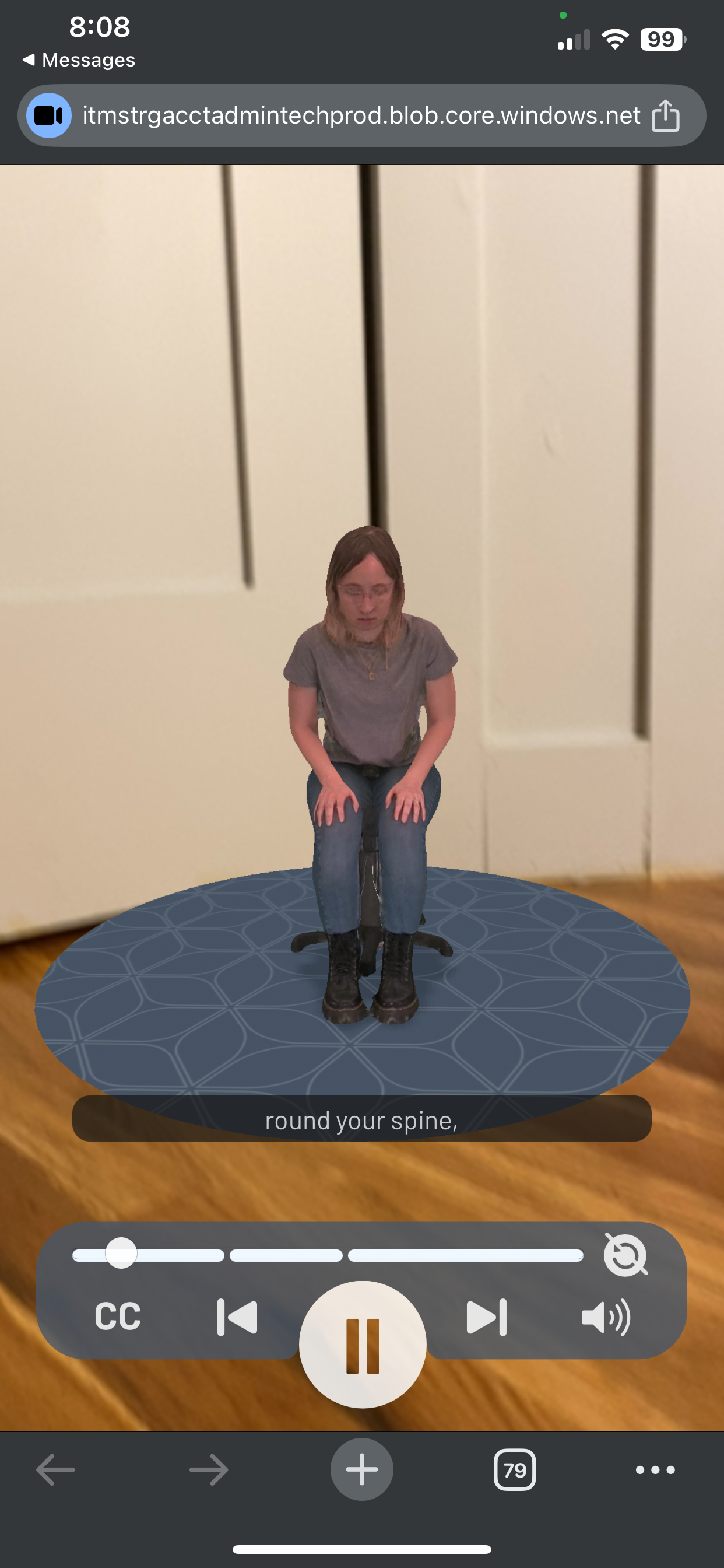
- Standard video controls don't work when content exists in 3D rather than on a fixed screen. We simplified controls to the essentials (play, pause, mute, scrub) and carefully placed and layered them so they stayed legible without blocking the AR content.
- Precise time-based controls
- Users needed to revisit and practice specific movements, so the interface supports scrubbing, skipping, and replaying segments within volumetric video — with time-synced captions built in for accessibility and reinforcement.
Impact & Results
The prototype validated AR as a viable, scalable model for both patient education and workforce training, and supported Providence's move away from costly third-party hosting toward more scalable infrastructure. Staff feedback linked the spatial, immersive format to better engagement, comprehension, and confidence than traditional formats. Intel case studies and industry publications featured the work as an example of advancing immersive learning in healthcare.
Feedback from Providence staff indicated that immersive, spatial experiences improved engagement, comprehension, and confidence compared to traditional formats. The project contributed to ongoing efforts to expand AR-based training across workforce development and patient care.